

A customer registers
The scan opens an experience connected to that individual item.

One connected product journey
The scan opens an experience connected to that individual item.
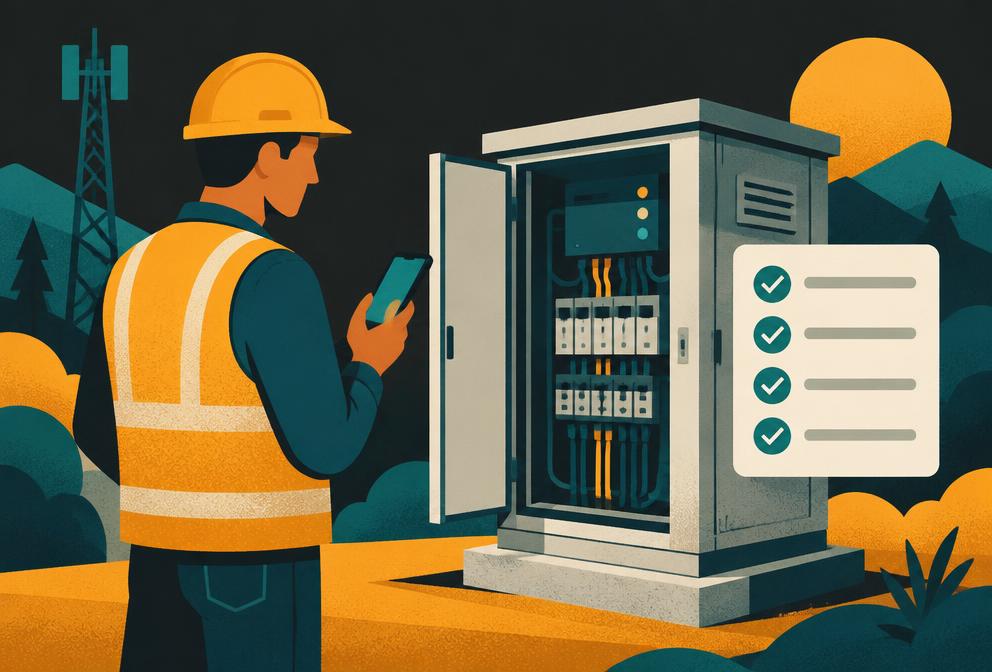
The work and its history stay with the item, not a disconnected form.
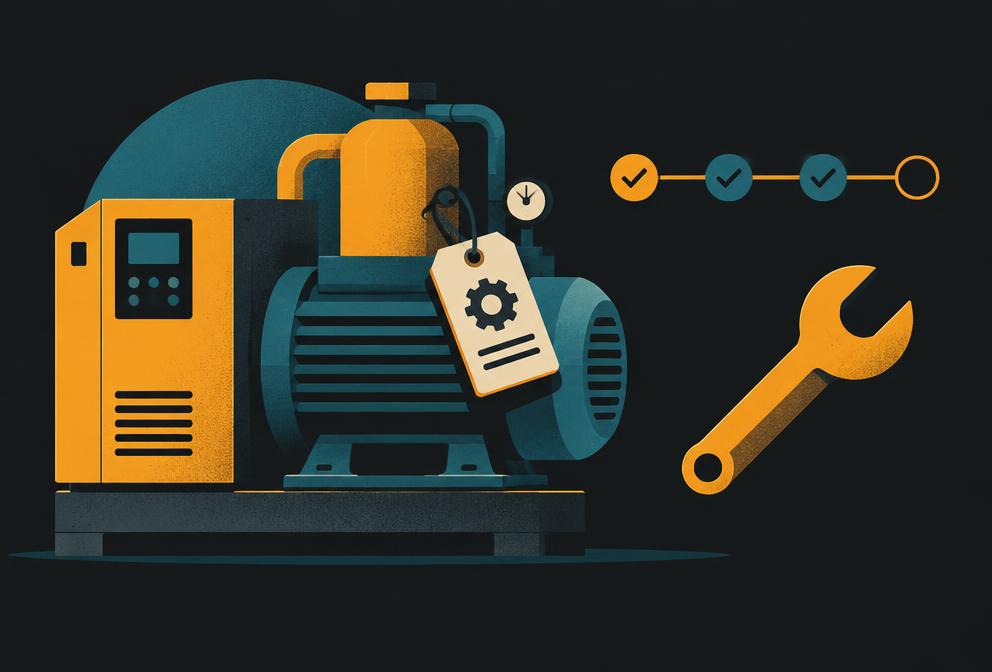
The right people can see the relevant record and take the next action.
Workforce & field operations
Build mobile workflows for inspections, stock checks, servicing and handovers. A scan can identify the exact item; forms, records and cases carry the work forward for the team.
Scan a QR code or tap NFC; supported specialist devices can also read RFID.
Follow a tailored checklist, capture a reading or report a fault.
Save the result against the item or an app-specific case.
Give the next person a status, history and clear next action.
RFID reading requires compatible hardware and the supported operator app; it is not available in every phone or browser.
The experience layer
A scan opens the mobile Portal. Teams work in Hub. The same connected product context can power a public page, a compact widget or a focused app.
The mobile experience a customer opens by scanning or tapping a physical item, with navigation and sign-in when needed.
The desktop home for product content, item history and ongoing business administration.
Public web pages, customer and partner portals, small embedded views and on-the-go operator screens.
The context layer
Not another generic form detached from reality. SmartLinks knows which collection, product, individual item and person the experience is about.
Collections, products, variants, batches and proofs give every physical unit a place in the model — a foundation for your own digital product passport.
Contacts, sign-in, claims and ownership connect the right people to the right things.
Public, owner and admin views can expose different information; personal fields have their own boundary.
The data layer
Start with the platform’s product and customer model, then add app-specific data that follows the work your team actually does.
Custom structured objects for registrations, inspections, content or any other app-specific data, scoped to a product or item.
Track requests and work through statuses and history, from a warranty claim to a service issue.
Conversations and replies tied to a person, product or item.
The engagement layer
From playful marketing to lasting loyalty: run campaigns, games, competitions and fan experiences, then keep the connection useful over time.
Record entries, votes and other interactions, then connect customer activity into journeys.
Find contacts and send messages using platform communication and consent tools.
Capture what happened and understand how people use the experience.
The execution layer
When an app needs more than a screen, server-side functions can respond to requests, events or schedules. Credentials stay on the server side.
Run app logic behind controlled public or admin access, or in response to platform events and schedules.
Keep external credentials out of customer-facing app code and resolve them only for server-side work.
Use scoped visibility and consent tools as building blocks. Your own data handling and legal obligations still need review.
The extension layer
SmartLinks is the connected product layer alongside your existing systems, not a replacement for the CRM, PIM, ERP or finance tools that already do their jobs.
Use platform AI chat, public assistants and AI tools for product-aware interactions, with image and voice capabilities available to build with.
Expose controlled HTTP functions to receive external requests and webhook events; verify callers in your function.
Send mapped SmartLinks data to other systems on demand or from events. Scheduled flows are documented as an upcoming increment.
Start with a business need or a technical brief. Forge builds on the platform that's already there.
Start building