
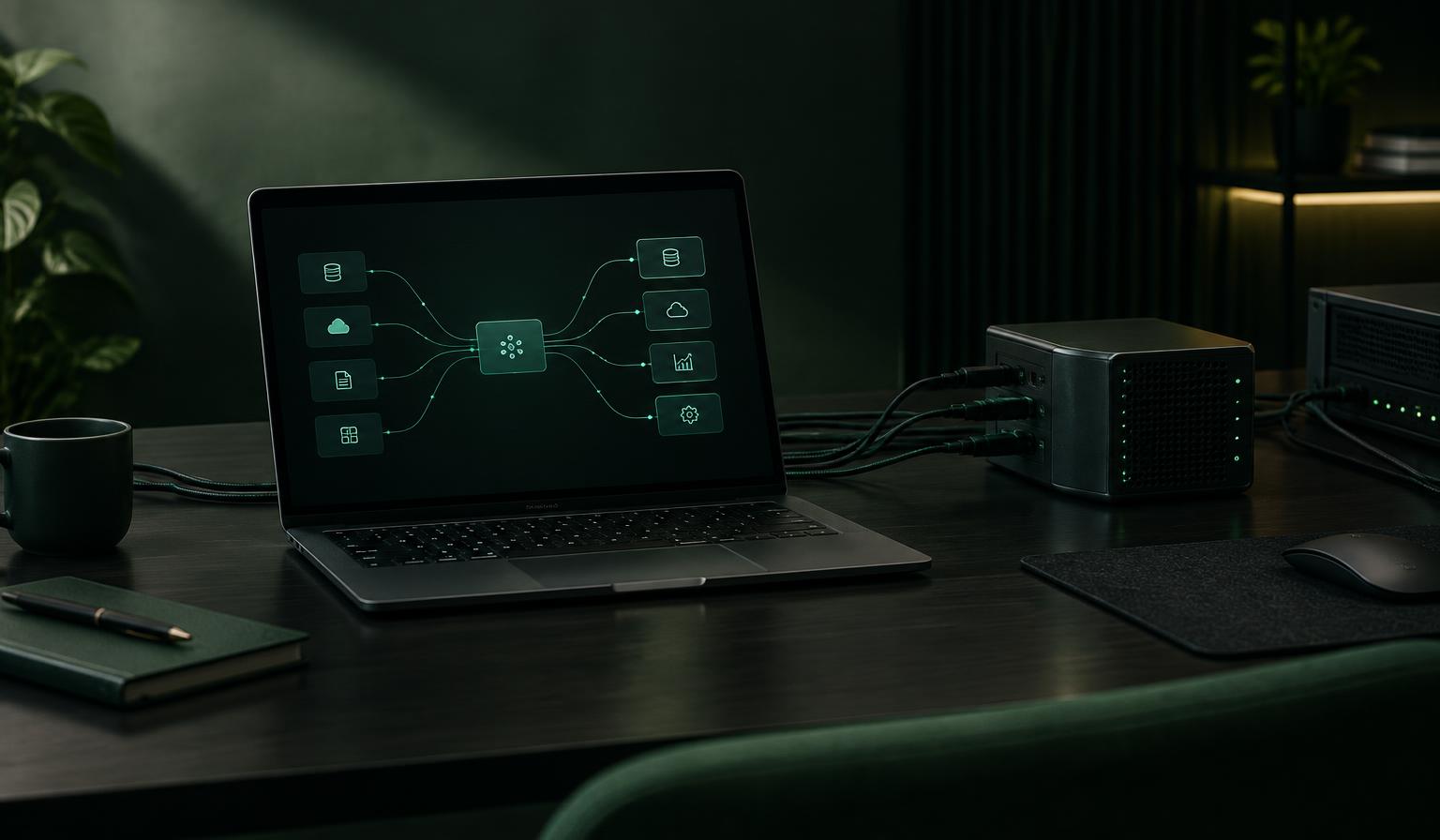
A desk with a laptop showing a flow of data moving between connected systems

Use cases / 05 — Integrations & data flows

Connect SmartLinks to the systems you already run.

Describe the flow in plain words — when a product changes, send it here, shaped like this, signed with this key. Forge builds the integration as a real app on the platform: server functions, event triggers and field mappings, with credentials sealed away from the code.

The opportunity

Integration is a build problem, not a plumbing problem.

Most integration tools give you a fixed catalogue of connectors and a canvas of boxes. If your system isn't in the catalogue, or your data doesn't fit the shape, you're stuck. Forge builds the integration itself — so the mapping, the timing and the endpoint are exactly yours.

01

Flows that react to change

An integration can fire when a product is created or updated, run on a schedule, or be triggered by hand — the same flow, three ways in.

02

Your data, your shape

Field mappings copy, transform and template each field into the format the receiving system expects, so the payload matches their API rather than ours.

03

Credentials stay sealed

API keys are written once into the platform's secret store and resolved only at execution. They never appear in code, chat or the page.

04

Server functions for the rest

When a mapping isn't enough, Forge writes a server function — your own endpoint or event handler running inside SmartLinks — for the logic that is genuinely bespoke.

Picture it in practice

Three stories you could build

Integrations are invisible when they work. Here are three a team could ask Forge to build.

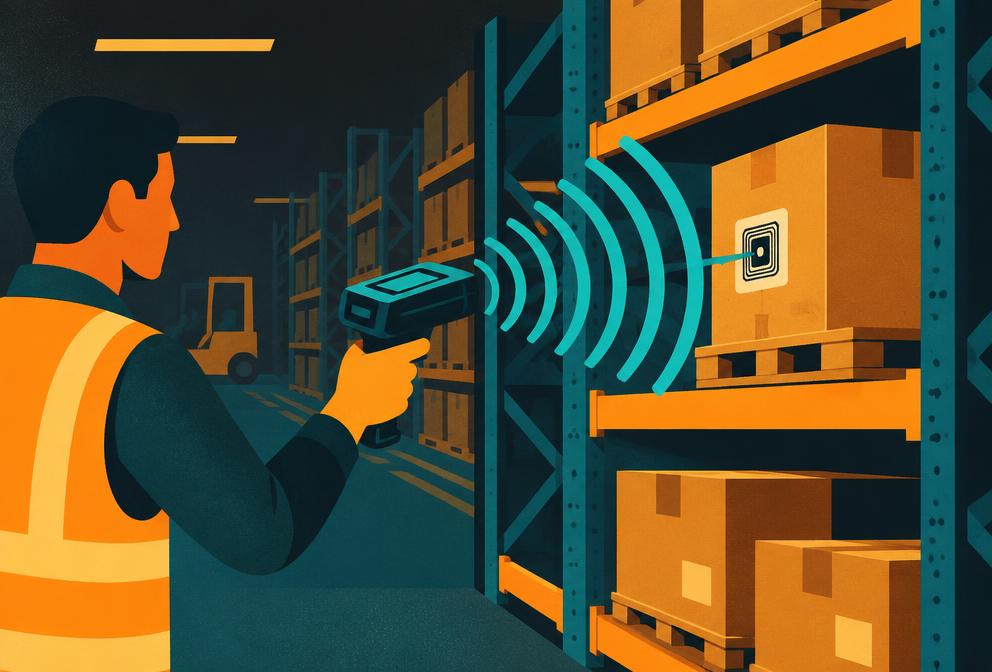
Warehouse operations illustration

01 / Operations

Product data that reaches the warehouse

A team maintains product details in Hub, but the warehouse system needs its own feed — specific fields, specific names, its own API key.

The experience

A flow watches for product changes, maps each field into the warehouse system's format and sends it, authenticated by a sealed credential. Editing a product in Hub is the whole job.

Why it matters: One place to maintain product truth; the systems downstream stay in step without exports and re-keying.
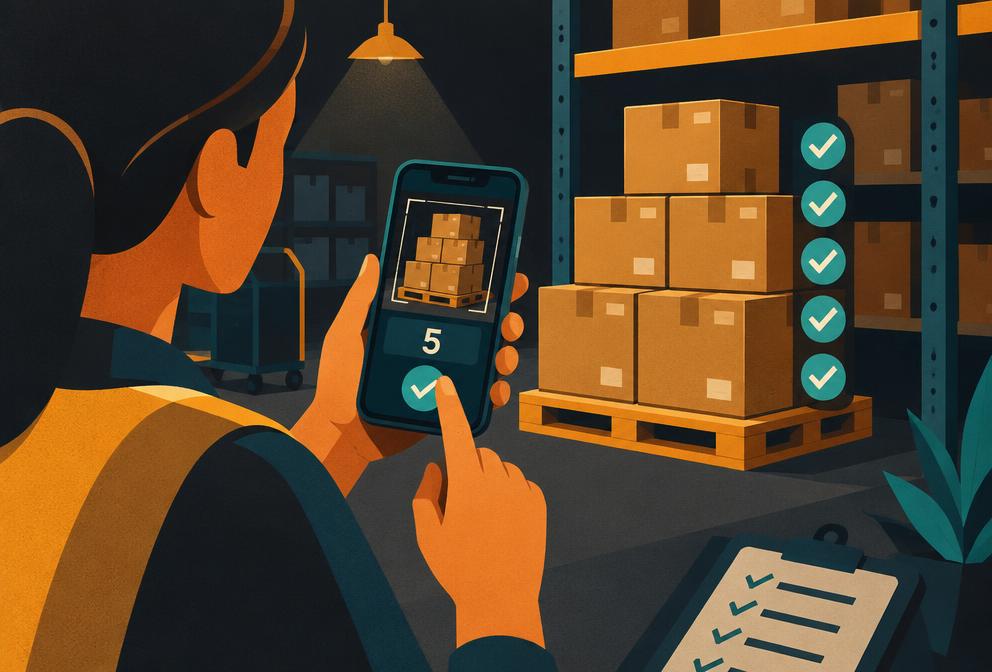
Team reviewing incoming enquiries illustration

02 / Sales & service

Enquiries that land where the team works

Website and product-page enquiries arrive in the platform's CRM, but the sales team lives in their own system.

The experience

A server function receives each new enquiry and forwards it — shaped to the sales system's API — the moment it arrives, with failures surfaced rather than silently dropped.

Why it matters: Nobody copies enquiries between tools, and the follow-up starts in the system the team actually opens.

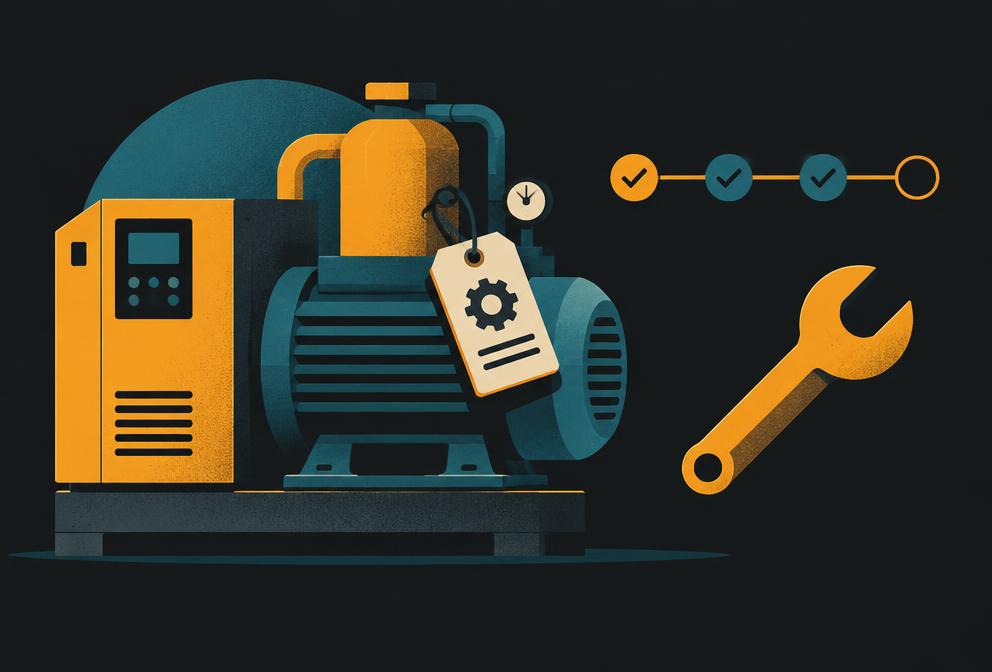
Specialist equipment and systems illustration

03 / Bespoke

The integration nobody sells

A business relies on a niche industry system with no off-the-shelf connector — unusual authentication, peculiar data shapes.

The experience

Forge builds a small integration app around it: a server function for the handshake, mappings for the data, and a scheduled check that the two sides agree.

Why it matters: The odd system stops being the reason information gets stuck in someone's inbox.

Illustrative scenarios, not claims about named customers or live campaigns.

What makes it possible

Built on the platform's integration layer.

SmartLinks provides the pieces — server functions, event triggers, integration flows, field mappings and a sealed secret store. Forge turns a plain-words description into the working app, and the same build, test and release path as everything else it makes.

Explore the platform
  • Server functions running inside SmartLinks
  • Flows triggered by events, schedules or by hand
  • Field mappings: copy, constant and template transforms
  • Sealed, write-only credential storage
  • Built, tested and released through Forge like any app

A flow can only be as reliable as the system at the other end; Forge surfaces failures so they can be fixed rather than hiding them.

Also on SmartLinks

One platform, other ways in.

Start with the idea. Build the experience.

Explore a starting point or describe the thing your team needs. Forge builds on the SmartLinks platform beneath it.

Start building