

A florist's website showing the bouquets available in her shop

Use cases / 04 — Business websites

Websites with a business behind them.

Make the first impression your own. Then connect the pages people see to the products, content and conversations that make your business work.

The opportunity

A website can be more than a set of pages.

A good public site should tell your story and help visitors take the next step. When it needs product information, enquiries or ongoing relationships, Forge can build that experience on the same SmartLinks platform rather than making the site an isolated front end.

01

Look and sound like your business

Start from your brief, audience, brand and materials to shape a multi-page site rather than forcing your story into one template.

02

Connect product information

Use the product details and media your team manages in Studio, so a public page can reflect the business behind it.

03

Turn interest into a conversation

Add forms and contact journeys when they serve the brief, with enquiries connected to SmartLinks instead of stranded in a page builder.

Picture it in practice

Three stories you could build

Different businesses need different sites. These are illustrative briefs, not sites delivered for named customers.

Florist website and bouquets in a flower shop

01 / Local business

A florist with more to show than opening hours

A florist wants customers to see the range, understand delivery and make an enquiry for a specific date.

The experience

A tailored site tells the shop's story, shows bouquets with photos and details, and lets a visitor send an order enquiry. The business manages product information in Studio.

Why it matters: Visitors can find a suitable bouquet and start a real conversation without the site pretending to be a full checkout.
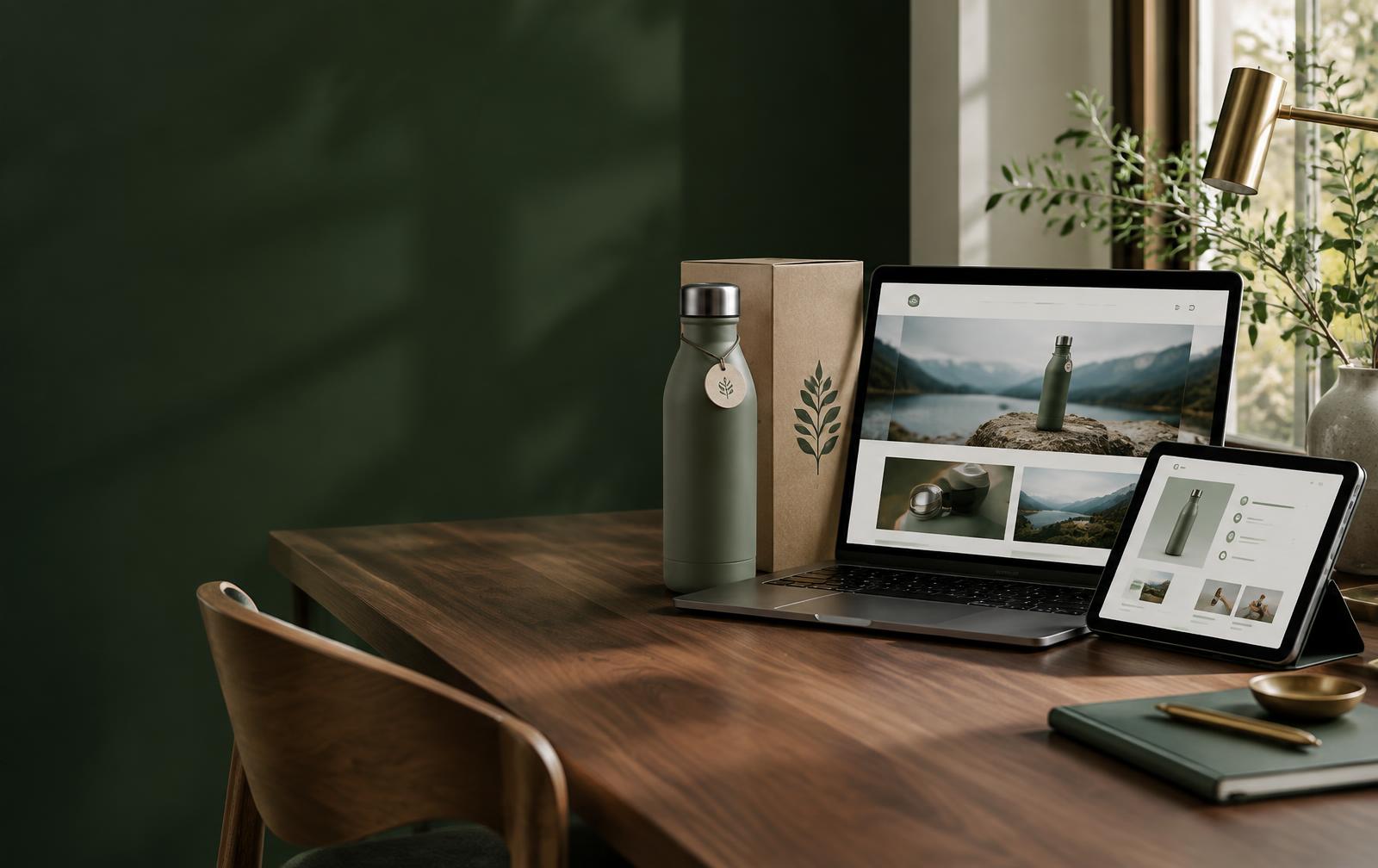

A product brand website beside the physical product it describes

02 / Product brand

A brand site connected to its products

A maker has a brand story to tell, a product range to explain and retailers who want to get in touch.

The experience

Public pages introduce the range and tell the story behind it. Product pages draw on approved product content, with a route for enquiries and room to connect post-purchase experiences later.

Why it matters: The public story and product information can work together rather than living in separate silos.

Product team reviewing media and product information

03 / Support

A help site that knows the product

Customers searching for care instructions or manuals get a generic list with little guidance.

The experience

A public support area organises guides around products and directs visitors to relevant help. Item-specific or signed-in experiences can be added when the business needs them.

Why it matters: The website becomes a useful doorway to support, not just a place to download a file.

Illustrative scenarios, not claims about named customers or live campaigns.

What makes it possible

A website on a connected platform.

Forge builds the public experience while SmartLinks provides the product, contact and app capabilities behind it. Studio remains the place to manage platform content; the website is not a second admin system.

Explore the platform
  • Tailored public pages and navigation
  • Product content and media managed in Studio
  • Forms, contacts and enquiries when needed
  • Optional connected product and customer experiences
  • The same platform used by your other SmartLinks apps

Clean custom-domain mapping, publish-time prerendering and richer everyday content editing are still being developed. Forge is not an ecommerce checkout or a replacement for your specialist CRM or finance tools.

Also on SmartLinks

One platform, other ways in.

Start with the idea. Build the experience.

Explore a starting point or describe the thing your team needs. Forge builds on the SmartLinks platform beneath it.

Start building